Why a monitor may flicker when turned on and how to fix it
A monitor can flicker at startup because of a loose or damaged display cable, a faulty port, outdated or recently updated graphics drivers, or a mismatched refresh rate. If none of these fixes work, persistent flickering, blackouts, dim colors or vertical lines may indicate a serious hardware fault, leaving repair or replacement as the remaining options.
Main event
A computer monitor may begin to flicker when it is turned on. The source material explains possible causes and troubleshooting steps, but it does not report a specific dated incident, a named product, or a confirmed failure case.
Confirmed details
The text lists several potential causes of monitor flickering:
- A loose or faulty display cable, including HDMI, DisplayPort or VGA. The cable may be damaged or frayed.
- A bad port on the monitor or the computer.
- Outdated graphics drivers.
- A graphics driver update that introduced display problems.
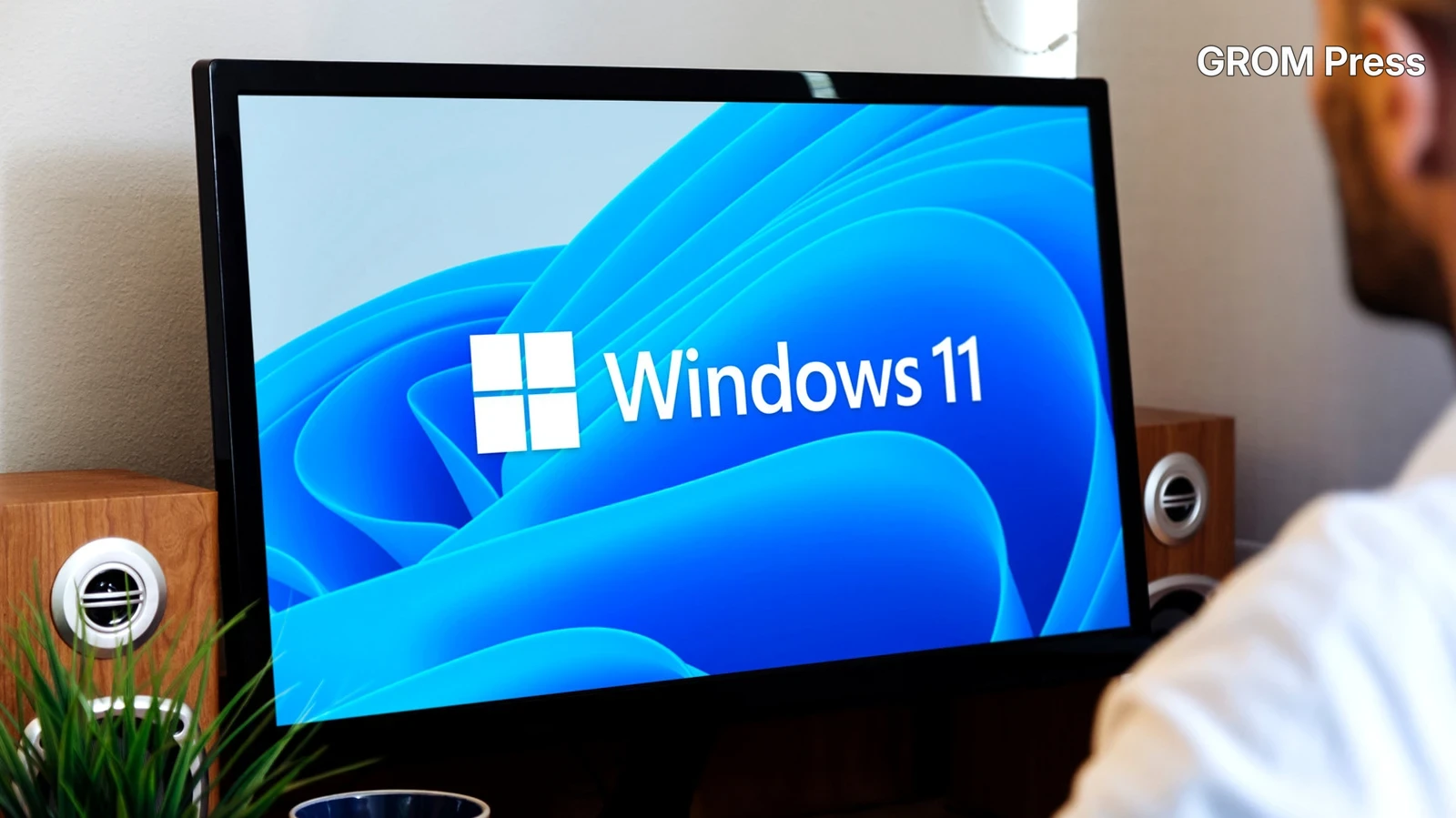
- A refresh rate mismatch, for example a 120Hz monitor used with a Windows 11 PC set to a different refresh rate.
Suggested checks include reinserting or replacing the cable, trying a different port, connecting the monitor to another known-working computer, updating or rolling back graphics drivers, and changing the refresh rate in Windows 11 display settings.
Read the full story on GROM.PRESS
Source: GROM.PRESS